

Rental WiFi & Smartphones
Keep You Connected, Worldwide.
Unlimited high-speed WiFi rental delivered to your door. Perfect for travelers, business trips, and short-term stays.
Wifi & Phone Rental Form- Unlimited data during rental
- Share with family & group
- No monthly fee after return
- Data plans 20% cheaper than rental price
- Own the device permanently
- No ongoing rental costs
- Use with any data plan
- No SSN or credit check required
- 30GB high-speed data / mo
- Cancel anytime, no commitment
Please order online once you have planned your trip!
It is simple. Please select your travel plan and rental product, and proceed to checkout. The quote for your order will be displayed. Upon you confirm it, please enter the rental information and complete your order.
スウェーデン、ノルウェー、フィンランド、デンマーク、アイスランド、フェロー諸島
「南ヨーロッパ」
スペイン、ジブラルタル、アンドラ、ポルトガル、イタリア、バチカン、サンマリノ、ギリシャ、マルタ、スロバニア、クロアチア、ルーマニア、ブルガリア、アゾレス諸島
「西ヨーロッパ」
イギリス、アイルランド、オランダ、ベルギー、ルクセンブルグ、フランス、モナコ、マン島、ジャージー島、ガーンジー島
「中央ヨーロッパ」
スイス、ドイツ、オーストリア、ポーランド、チェコ、スロバキア、ハンガリー、リヒテンスタイン
「東ヨーロッパ」
エストニア、ラトビア、リトアニア、ロシア、トルコ、キプロス
[Northern Europe]
Sweden, Norway, Finland, Denmark, Iceland, Faroe Islands
[Southern Europe]
Spain, Gibraltar, Andorra, Portugal, Italy, Vatican, San Marino, Greece, Malta, Slovenia, Croatia, Romania, Bulgaria, Azores Islands
[Western Europe]
United Kingdom, Ireland, Netherlands, Belgium, Luxembourg, France, Monaco, Isle of Man, Jersey, Guernsey
[Central Europe]
Switzerland, Germany, Austria, Poland, Czech Republic, Slovakia, Hungary, Liechtenstein
[Eastern Europe]
Estonia, Latvia, Lithuania, Russia, Turkey, Cyprus
China, Hong Kong, Macau, Taiwan, South Korea, Japan, Thailand, Vietnam, Singapore, Malaysia, Indonesia, Philippines, Cambodia, Laos,India, Sri Lanka, Nepal, Pakistan, Georgia, Armenia, Kazakhstan, Azerbaijan, Uzbekistan, Tajikistan,Brunei
Singapore, Malaysia, Brunei, Thailand, Cambodia, Vietnam, Indonesia, Philippines, China HongKong
アルゼンチン、パラグアイ、ブラジル、ボリビア、エクアドル、コロンビア、ペルー、ベネズエラ、ウルグアイ、チリ
「中央アメリカ」
グアテマラ、ベリーズ、ホンジュラス、ニカラグア、コスタリカ、パナマ、エルサルバドル
「カリブ諸島」
アングィラ、アンティグア・バーブーダ、バルバドス、プエルトリコ、ドミニカ、グレナダ、セントクリストファー・ネービス、セントルシア、セントビンセントおよびグレナディーン諸島、ジャマイカ、バージン諸島、ケイマン諸島
[South America]
Argentina, Paraguay, Brazil, Bolivia, Ecuador, Colombia, Peru, Venezuela, Uruguay, Chile
[Central America]
Guatemala, Belize, Honduras, Nicaragua, Costa Rica, Panama、El Salvador
[Caribbean]
Anguilla, Antigua and Barbuda, Barbados, Puerto Rico, Dominican Republic, Grenada, Saint Kitts and Nevis, Saint Lucia , Saint Vincent and the Grenadines, Jamaica, United States Virgin Islands, Cayman Islands
Israel, UAE, Bahrain, Jordan, Kuwait, Qatar, Oman, Saudi Arabia, Iraq
Egypt, Morocco, South Africa, Ghana, Kenya, Uganda, Congo (DRC), Congo (Brazzaville), Mozambique, Mauritius, Tunisia, Tanzania, South Sudan, Swaziland
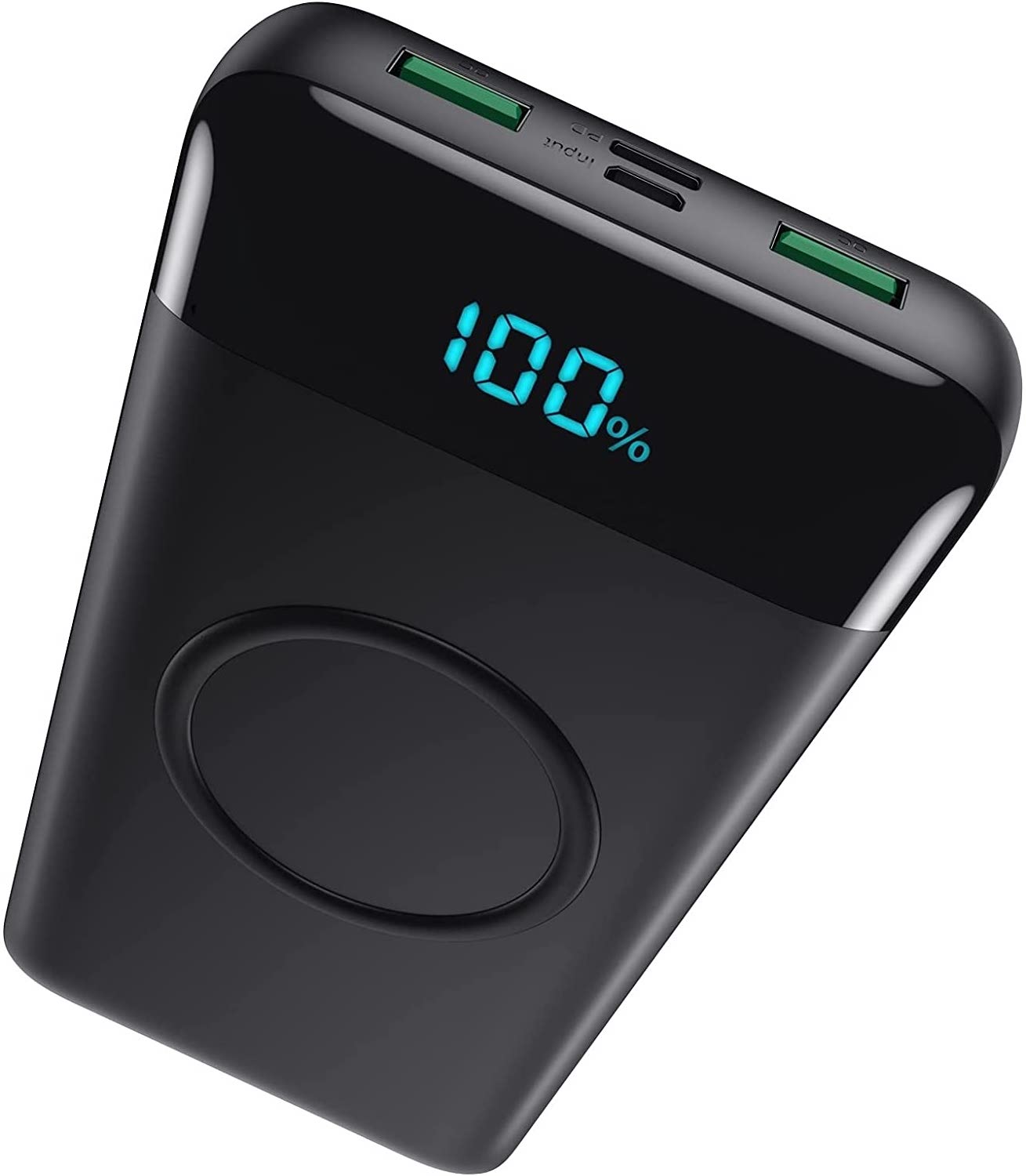
Rent a portable charger and eliminate worrying about the WiFi as well as your smartphone running out of charge. In addition to the WiFi, you can use it to charge your smartphone, tablet, and other devices.

If your device is lost, stolen, damaged, or water-damaged, you are normally responsible for the following replacement costs:
Simply add the coverage option when placing your order. Peace of mind starts at just $2 per day.
When you order on the website, you need to select the method of receiving the Pocket WiFi. We have two methods as following.
We will ship via USPS to your specified address, ensuring delivery at least one day before your departure date. After shipping, we will send you the USPS tracking number. Please order with plenty of time before your trip. Delivery may be delayed due to holidays, weather, or traffic conditions.
- Shipping fee One-way $12
※ Please order at least one week before your departure date. - Shipping fee Roundtrip $24
We will enclose a return envelope with your shipment.
Pickup is available only at our Los Angeles office. Please note that we currently do not offer pickup in other areas, including Japan.
Please make sure the WiFi device is fully charged before use, then power it on. Follow the steps below to connect to WiFi.
- Please turn on WiFi on your cellphone or devices.
- Android OS
Go to "Settings" ⇒ Click "Wi-Fi" from the menu ⇒ Turn on Wi-Fi - iPhone/iPad/iOS
Go to "Settings" ⇒ click "Wi-Fi" ⇒ Turn on Wi-Fi
- Android OS
- Please select SSID or SSID1 on the network list. (SSID/SSID1 is found on the back of the pocket WiFi)
- Please enter the password (WPA Key) printed on the back of the pocket WiFi device.
- Once WiFi is connected, you will see the WiFi symbol on your device. You can use it. For a rental cellphone, please power on and use it after receiving.
- If you choose USPS round trip, we will enclose the package for return. Simply please bring it to the USPS the next day you return to your home country and mail it out.
- If you choose USPS one-way, we will not enclose the package for return. Please be sure to enclose all rental product and mail them out with a tracking number. (the return shipping fee is on the customer) Also, to be in time of the deadline please complete the return procedure the next day of your return date.
- If you drop the return package off at our LA office, please visit during business hours.
20705 S. Western Ave., Suite 209, Torrance, CA 90501
Turn on the router, check the SSID and password on the display, and connect your device to Wi-Fi.
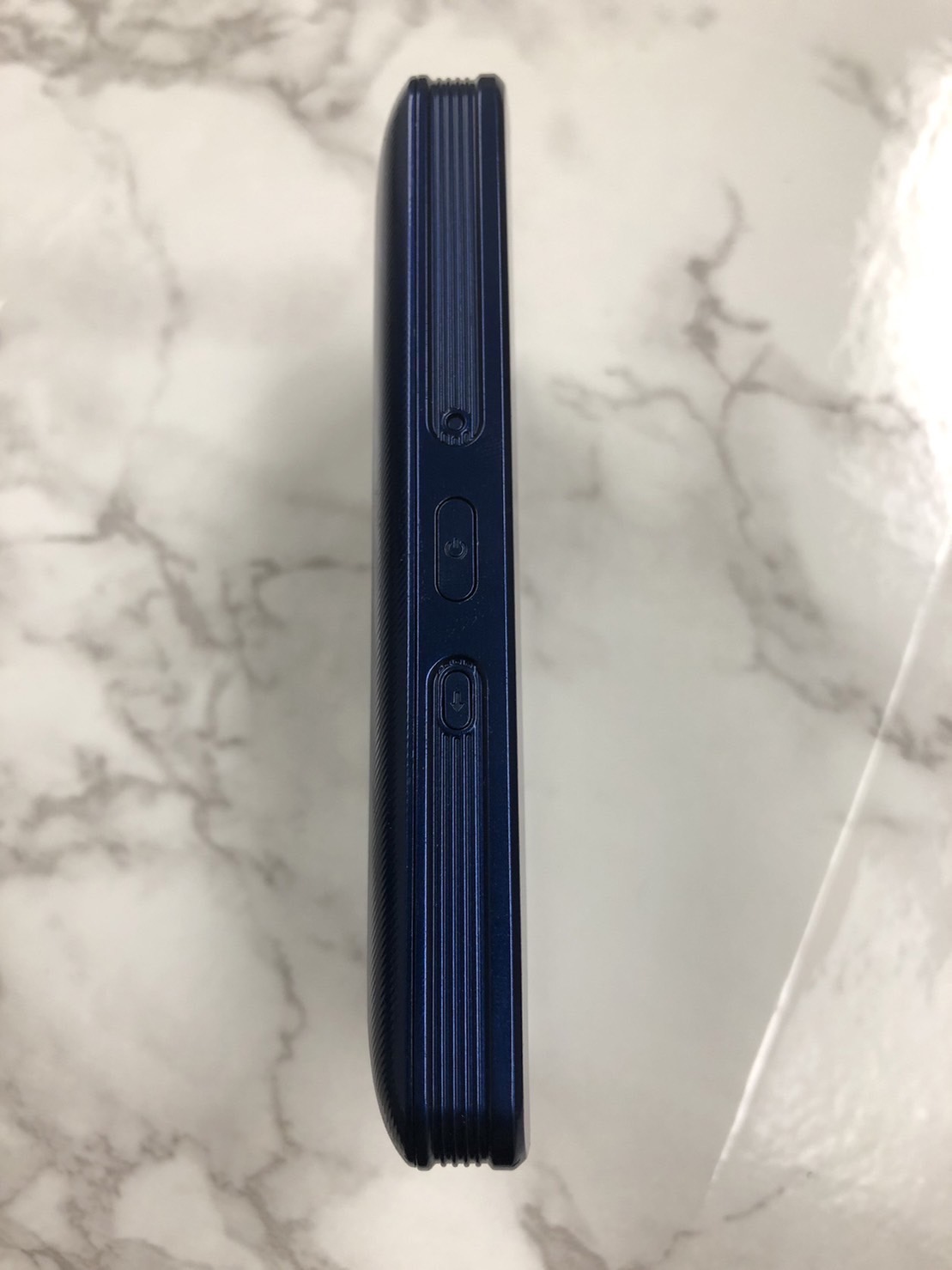
Press and hold the round button on the left side of the router for about 3 seconds. Wait approximately 40 seconds for it to start up completely.
※Press the button gently as pressing too hard may cause malfunction.
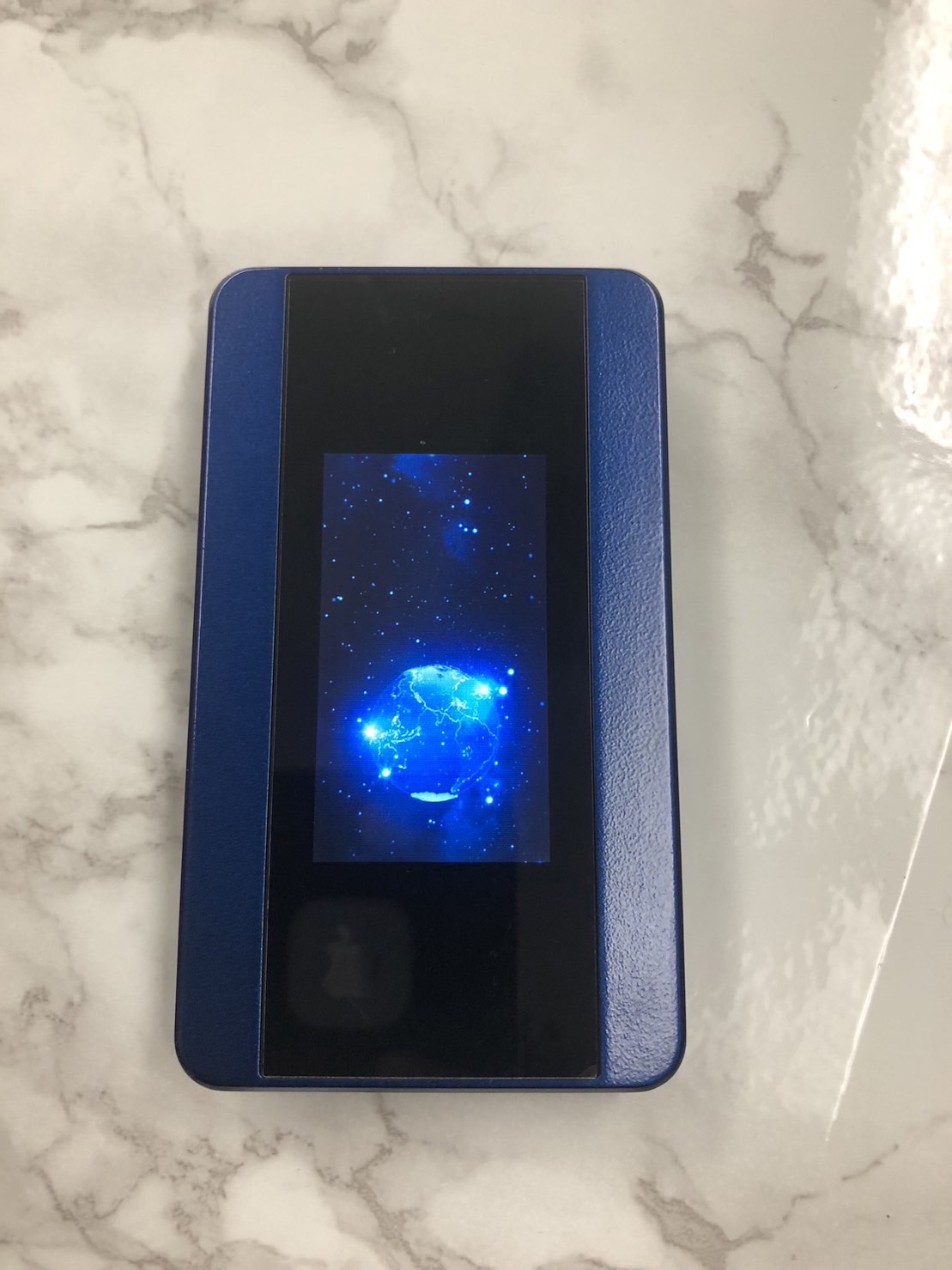
Check the SSID (network name) and PASS (password) shown on the router's display.
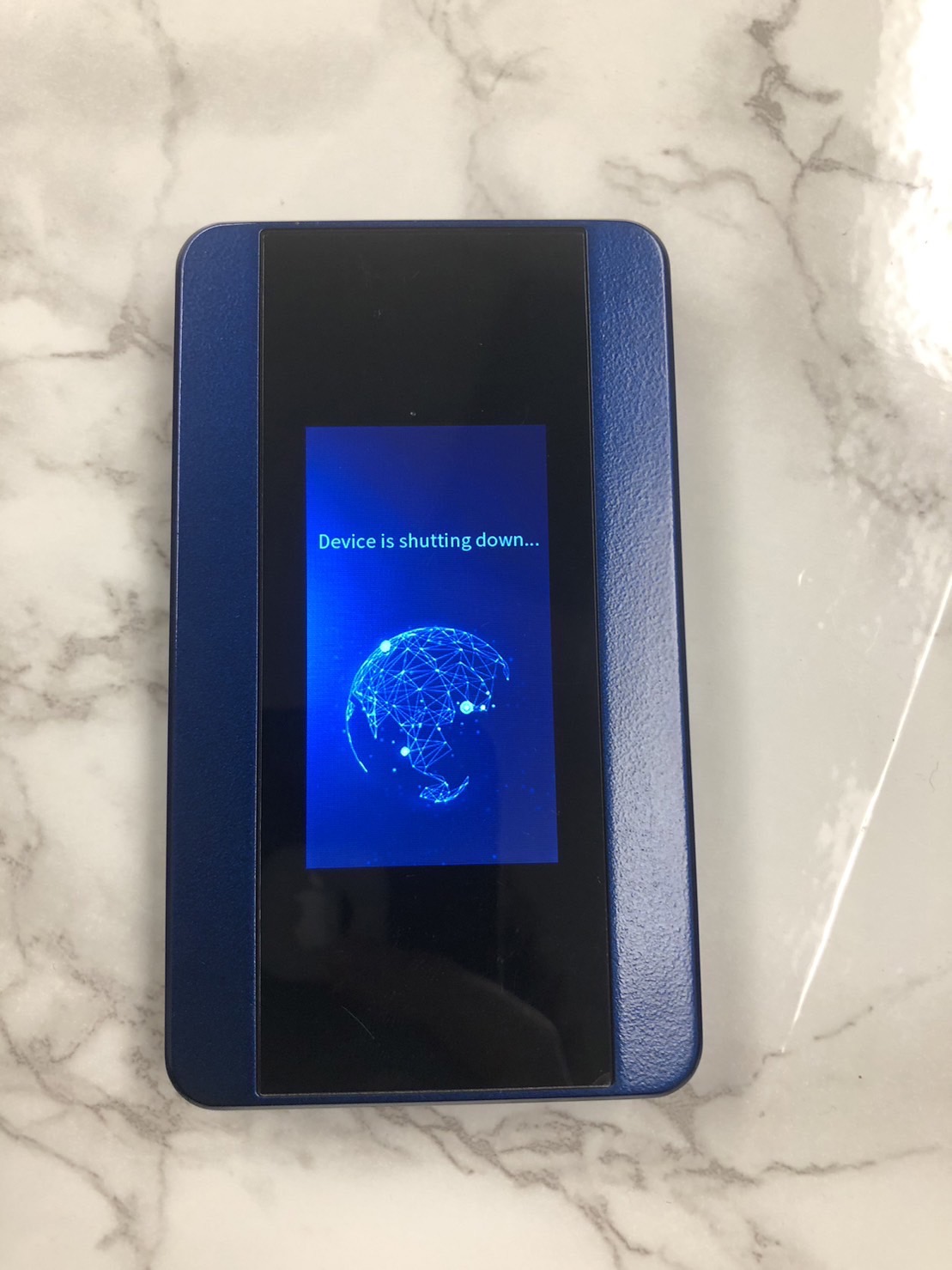
Turn on Wi-Fi on your device and select the SSID from the network list.
- iPhone / iPad
Go to "Settings" → tap "Wi-Fi" → select the SSID - Android
Go to "Settings" → "Network" or "Wi-Fi" → select the SSID - Mac / PC
Click the Wi-Fi icon on the menu bar → select the SSID
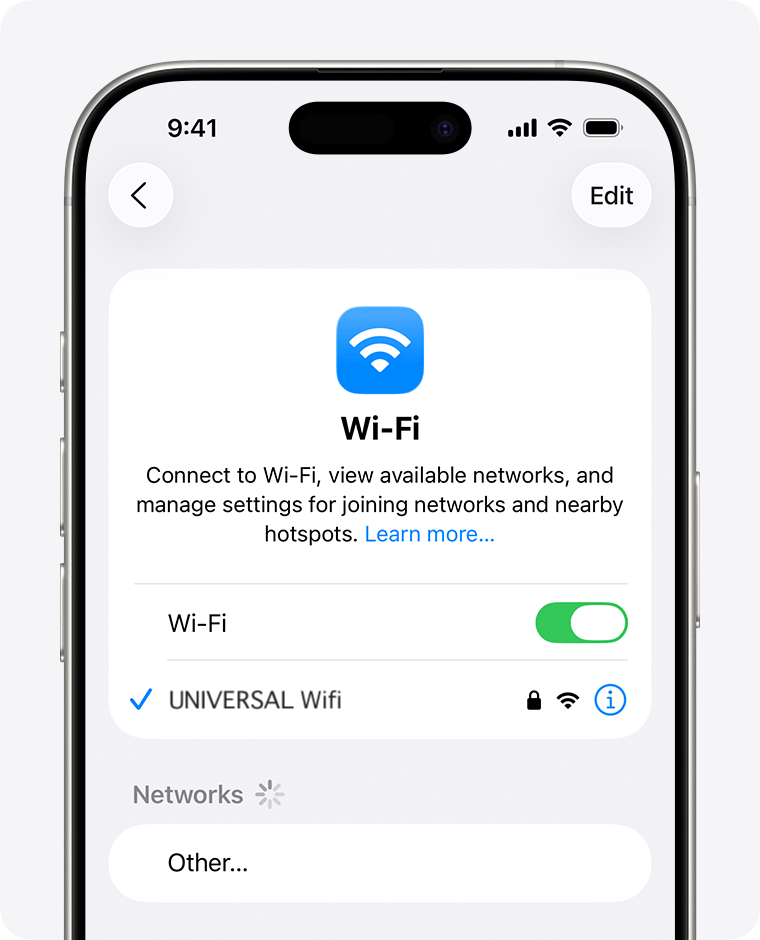
When the password entry screen appears, enter the PASS (PW) shown on the router's display.
※Be careful not to confuse the number "0" (zero) with the letter "o".
After a moment, Wi-Fi will be connected and you can use the Internet.
Please return the device by the last day of your rental period (or the extended period if you have extended your rental). Late returns may incur additional charges.
- If returning by mail (USPS round trip): please drop it off at the post office on the next business day after your rental ends.
- If returning by mail (USPS one-way): please ship all items with a tracking number at your own expense by the return due date.
- If dropping off at our office: please visit during business hours.
If the device is not returned by the due date, we will contact you by email as a reminder. Please note the following schedule:
| Day 1 – 13 | Overdue — we will send a return reminder email. No additional charge yet. |
| Day 14+ | The device will be treated as lost. A replacement fee may be applied (see below). |
* The return deadline takes into account any approved rental extensions.
If a device is lost, stolen, damaged, or not returned within 14 days of the rental end date, the following replacement fees apply: