
FAQリストに戻る 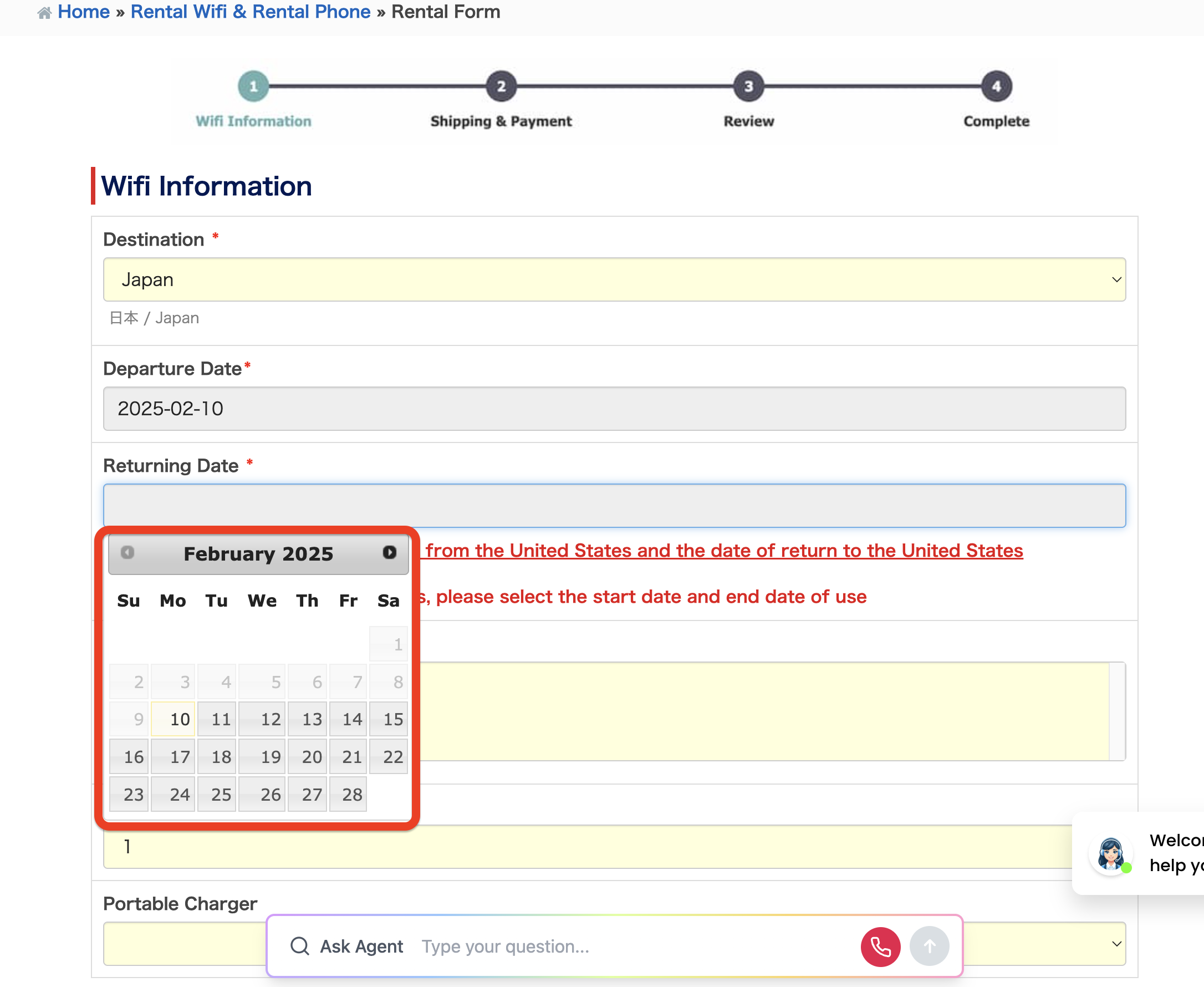
レンタルWifiのフォームで日付を入力できない
予約ガイド レンタルWiFi 申込み・予約手順
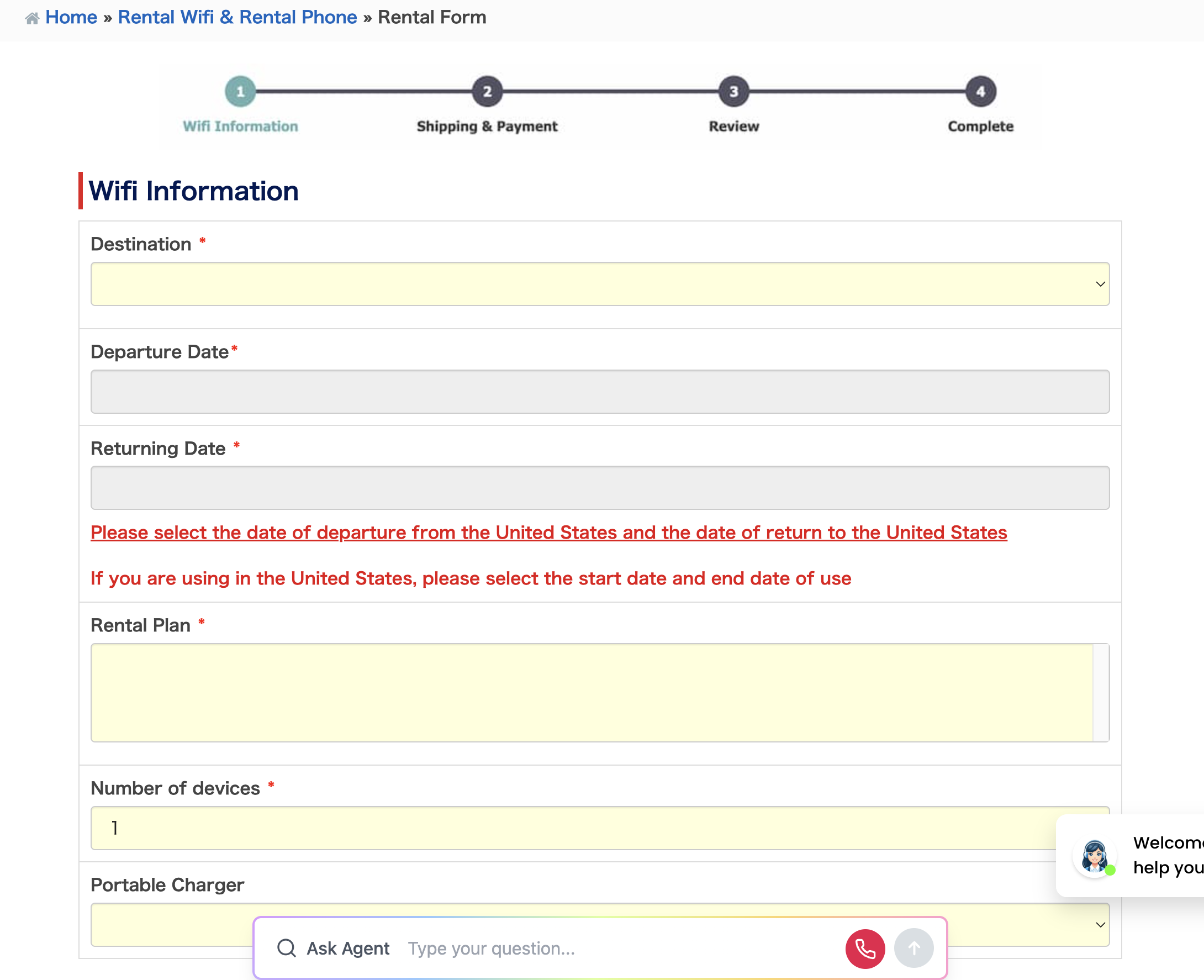
Step 2 滞在国と利用期間(開始日・終了日)を選択
渡航先の国を選択した後、カレンダー画面より「利用開始日」および「利用終了日」を選択してください。
ご注意: 日付は直接手入力できません。必ず画面上のカレンダーより日付を選択してください。
この記事は参考になりましたか?
フィードバックありがとうございました!
Step 2 滞在国と利用期間(開始日・終了日)を選択
渡航先の国を選択した後、カレンダー画面より「利用開始日」および「利用終了日」を選択してください。
この記事は参考になりましたか?
フィードバックありがとうございました!